
The Faith Direct merger to the ParishSoft Giving platform is complete!
What you need to know!
- All your giving data and payment information was securely migrated over so that you do not have to create a new account. Your login information will be the same password that you had in Faith Direct and your user name will be the email address on file on your account. However, if you have any trouble with it, we recommend to click ‘forgot password’ and instructions will be sent to your email to reset your password.
- If you should have any questions or need any assistance on your account, you can contact ParishSOFT Donor Support at donorsupport@parishsoft.com or call (866) 930-4774 option 6.
Here are some of the most common questions—maybe yours too!
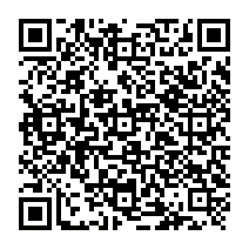
Q: How do I log into my Giver Account?
A: Click https://giving.parishsoft.com/app/giving/FD-31
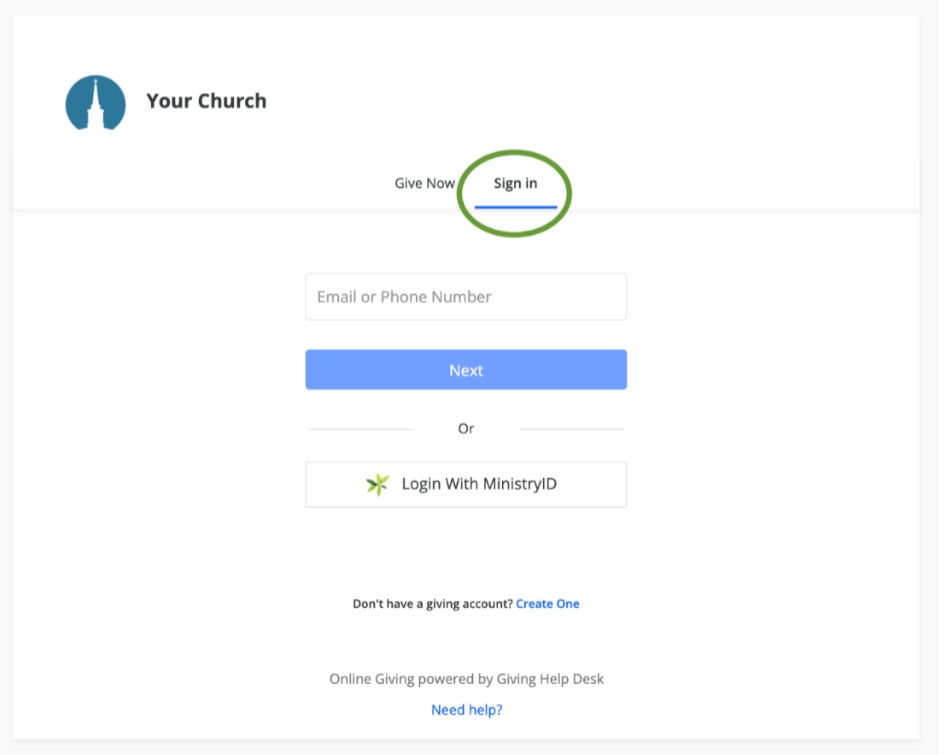
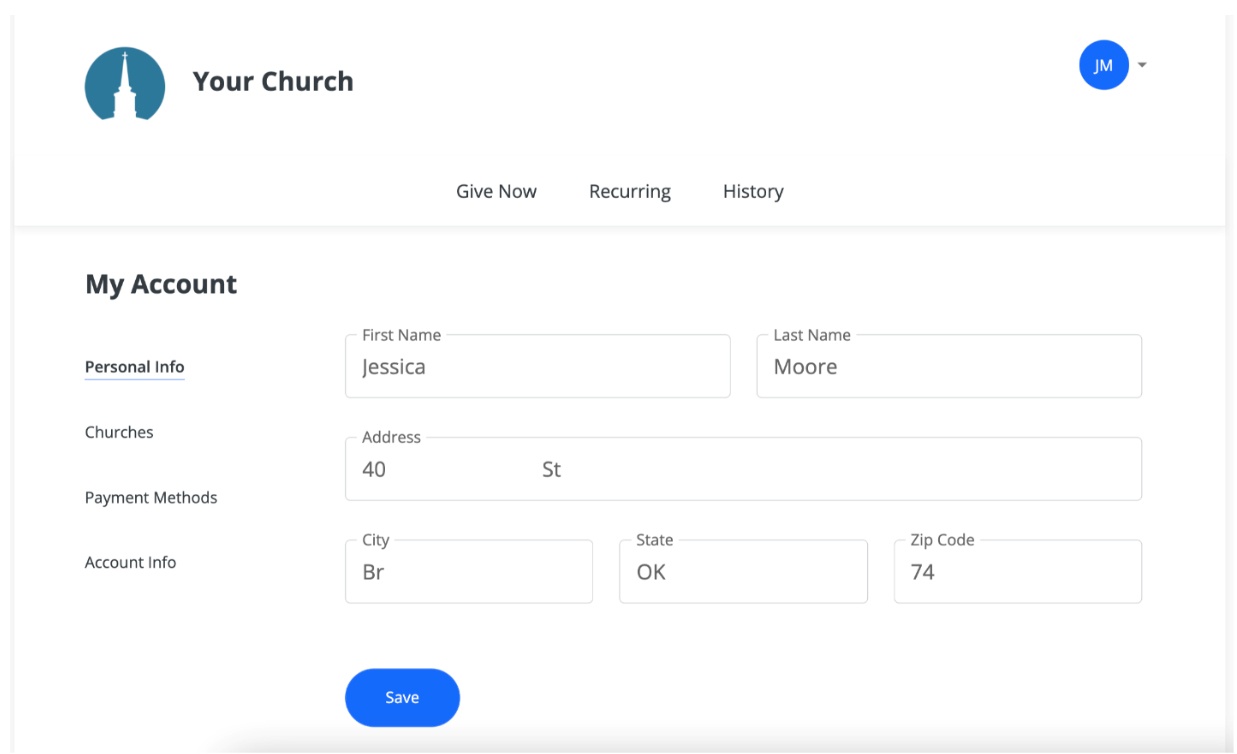
Once logged in, you can manage:
Recurring Gifts
- Giving & Payment History
- Personal Info
- Payment Methods
- Account Settings
- Linked Locations or Churches
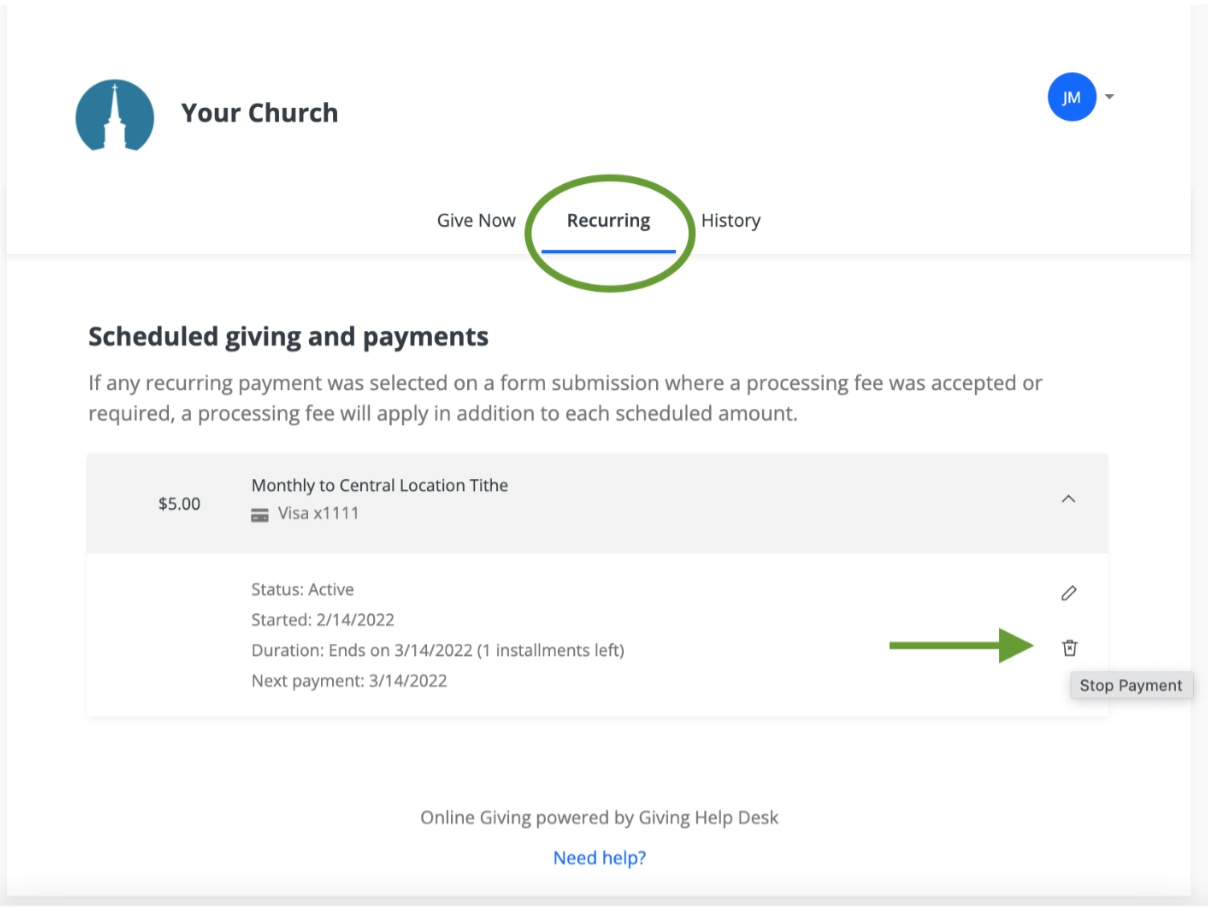
Q: How do I cancel a Recurring Gift?
A:
- Log into your Giver Account
- Click the Recurring tab
- Click the trashcan icon to stop the recurring payment
- Ending and Creating gifts: https://help.ministrybrands.com/hc/en-us/articles/10876531962779-Creating-and-Editing-Recurring-Gifts
- Editing Your Account: https://help.ministrybrands.com/hc/en-us/articles/10876530796699-Managing-My-Giving-Account
Have Questions or Need Help?
If the product isn’t working as expected, our Donor Support Team is available Monday–Friday, 8AM–5 PM CST by calling 866-930-4774 ext. 6 or emailing donorsupport@parishsoft.com.